
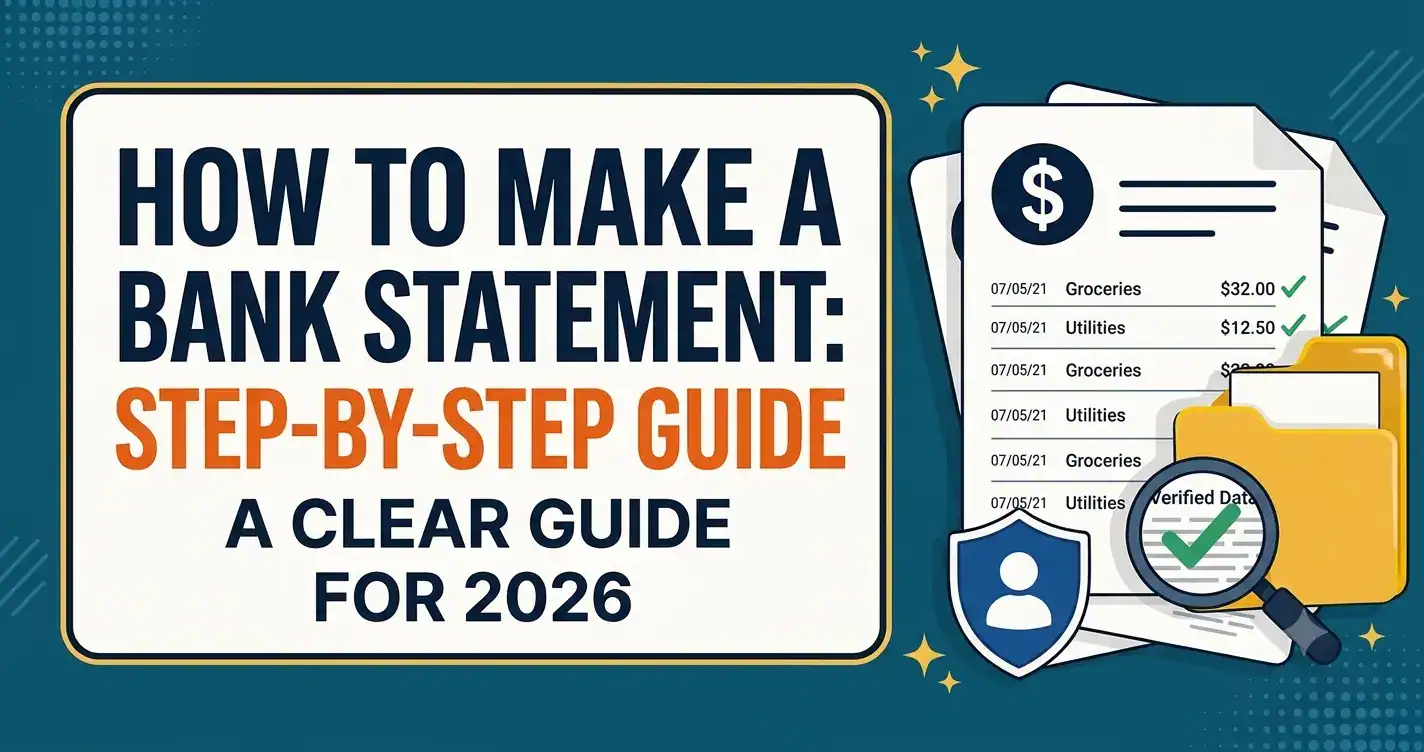
Wondering how to make a bank statement that actually looks right and holds up to scrutiny? You’ll need the account holder’s name, the bank name, the statement period, a running balance that updates after every transaction, and an opening and closing balance that match up mathematically. Below is the full manual process for how to make a bank statement, and if doing all that math by hand sounds like more than you bargained for, our bank statement maker does the formatting and balance calculations for you.
Why This Is Trickier Than It Looks
Making a bank statement sounds simple until you actually sit down to do it. You start listing transactions, and then you realize you need to recalculate the balance after every single line, keep the dates consistent, get the layout looking clean instead of like a spreadsheet someone exported in a hurry, and somewhere around transaction twelve, it stops feeling like a five-minute task.
If you’ve ended up here, you’re probably in one of a few very normal situations: reconstructing a business record for bookkeeping, building something for a budgeting project, putting together sample material for a class, or just trying to organize real transaction data into something readable. All of these are completely legitimate, and there’s a right way to do it.
This guide walks through exactly how to make a bank statement step by step, what a proper one needs, and the mistakes that trip most people up along the way. And if by the end of it you’d rather skip the manual math entirely, our bank statement maker handles the formatting and balance calculations automatically, you just enter your details and it does the rest.
What You Need Before You Learn How to Make a Bank Statement
Before you build one, it’s worth knowing what a legitimate statement is built around. Every bank statement, no matter which bank issues it, includes the same core pieces.
- Account holder information: the full name and address as they appear on the account.
- Bank name and branch details: the issuing institution’s name, and sometimes a branch or routing number.
- Statement period: the exact start and end date, almost always a calendar month.
- Opening balance: the account balance right at the start of the period.
- A transaction table: every entry listed with a date, a description, and either a debit or a credit amount.
- Running balance: recalculated after every single transaction, not just tallied once at the end.
- Closing balance: the final balance, which should mathematically equal the opening balance plus deposits minus withdrawals.
Get these seven right, and you’ve got something that actually functions like a real statement, not just something that looks like one from a distance.
Step-by-Step: How to Make a Bank Statement
- Gather your real transaction data first. Before you format anything, pull together the actual dates, amounts, and descriptions you’re working with.
- Pick a clean, standard layout. A simple header up top (account holder, bank name, statement period), a transaction table in the middle, and a summary at the bottom, that’s basically how every real statement is built.
- List transactions in order. Deposits and withdrawals should appear chronologically, since that’s what makes the running balance actually make sense.
- Recalculate the balance after every line. Start with your opening balance, then add or subtract each transaction one at a time, writing down the new balance after each one, not just a final total.
- Check that your closing balance actually adds up. Opening balance plus total deposits minus total withdrawals should land exactly on your closing balance. If it doesn’t, something’s off somewhere in the list.
- Keep the formatting simple. Clear column headers, consistent dates, and enough white space go a long way toward making the whole thing look professional instead of thrown together.
- Export it as a PDF. This is the standard, expected format for sharing or saving a statement.
Honestly, steps 3 through 5 are where most people slow down or make small mistakes, recalculating a running balance by hand across dozens of transactions is tedious, and one small arithmetic slip throws off everything after it. This is exactly the part our bank statement maker takes off your plate, you enter the transactions, and it handles the running balance and formatting instantly.
Common Mistakes People Make When Learning How to Make a Bank Statement
A few small errors show up constantly, and they’re easy to avoid once you know what to look for.
Skipping the running balance. Showing only a final total instead of a balance after every transaction is one of the most common mistakes, and it makes the whole document harder to actually use.
Inconsistent date formatting. Mixing “07/15/26” with “July 15, 2026” in the same table looks unpolished, and it can genuinely confuse things internationally, since the US, UK, and Europe don’t all format dates the same way.
Rounding numbers instead of using exact figures. Real transactions almost never land on nice round numbers. If you’re documenting genuine activity, use the exact amounts, rounded figures are one of the first things anyone reviewing the document will notice.
Leaving out transaction descriptions. A bare list of dates and amounts with nothing else makes a statement much harder to actually read or use for bookkeeping.
Overcomplicating the design. Too many colors, fonts, or extra graphics make a statement look cluttered rather than professional. Simple and clean almost always wins here.
If even one of these feels like a hassle to get right by hand, that’s basically the entire reason tools like ours exist, the bank statement maker gets the formatting and math right automatically, every time.
Formatting Tips That Make a Real Difference
A few extra choices can make your finished statement noticeably easier to use.
Use a grid-based layout. Keeping columns (date, description, debit, credit, balance) consistently aligned makes the table much easier to scan quickly.
Keep a clear visual hierarchy. Headers should stand apart from transaction rows, and your summary totals at the bottom should be obviously distinct from the individual line items above them.
Leave some white space. A cramped, dense table is harder to read than one with a little breathing room, even if it takes up slightly more page space.
Separate debits and credits visually. Distinct columns, or a subtle color difference, make it much faster to scan for specific types of activity later on.
When It Actually Makes Sense to Make Your Own
Building your own statement is genuinely useful in plenty of everyday situations:
Bookkeeping and reconciliation. If your business needs a clean, organized statement from real transaction records and the original isn’t available in a usable format, putting one together from your actual data is standard practice.
Personal budgeting. A formatted view of your real spending can make reviewing your finances a lot easier than scrolling endlessly through a banking app.
Sample and educational material. Teachers and students can build mock statements with sample data for practice, without touching any real account information at all.
Design and software testing. Developers and designers often need realistic sample data to test layouts, without using anyone’s real financial information.
Where This Stops Being Appropriate
A self-made statement works well for everything above, but it’s not a stand-in for an official bank-issued one anywhere that specifically needs that, a mortgage application, a formal loan review, a visa application, anything a bank or government agency is going to check. In those situations, what matters is a document that genuinely reflects your real account, ideally coming from your bank directly.
Submitting something that doesn’t accurately reflect a real account in place of an official statement is treated as fraud under US, UK, and EU law, and financial institutions increasingly run automated checks that cross-reference submitted documents against real account records. If what you actually need is help with legitimate income documentation for something like that, our proof of income documents guide walks through the accepted paperwork for exactly that situation. And if you’re curious how these AI-based verification systems actually catch inconsistencies, our piece on how banks now spot manipulated documents covers that side of things too.
Rather skip the manual formatting and balance math entirely? Our bank statement maker builds a clean, accurate statement from your real data in just a few minutes, no spreadsheet, no recalculating balances by hand.
Comparison Table: Manual Template vs. Bank Statement Maker
| Method | Best For | Time Needed | Accuracy Risk |
| Blank word processor template | One-off, simple statements | 30-60 minutes | Higher manual balance math |
| Downloadable PDF template | Basic bookkeeping needs | 15-30 minutes | Medium, still manual entry |
| Bank statement maker tool | Bookkeeping, budgeting, recurring use | 5-10 minutes | Low, automatic balance calculation |
Frequently Asked Questions
How to make a bank statement: what’s the simplest method?
The simplest way to make a bank statement is to use a bank statement maker, which handles the formatting and running balance calculations automatically. If you’re doing it manually, you’ll need the account holder’s details, bank name, statement period, a chronological transaction list, and a running balance that’s recalculated after every entry.
How do I make a bank statement?
To make a bank statement, include the account holder’s name, bank name, statement period, a chronological transaction table with dates and amounts, and a running balance recalculated after each transaction. A bank statement maker automates the formatting and balance math for you, which is usually the fastest and most accurate route.
What information is required to make a bank statement?
You’ll need the account holder’s name and address, the bank name, the statement period, an opening balance, a full list of transactions with dates and amounts, a running balance, and a closing balance that mathematically matches everything above it.
Can I make my own bank statement for personal use?
Yes. It’s common for budgeting, bookkeeping, financial planning, and educational purposes. It only becomes a problem when it’s submitted somewhere that specifically requires an official, bank-verified document, like a loan or visa application.
Is it legal to make a bank statement?
Yes, as long as it’s used for legitimate purposes like budgeting, bookkeeping, or education, and as long as it accurately reflects real financial data whenever it’s meant to represent an actual account. It’s only a legal problem if an inaccurate statement is submitted somewhere requiring genuine, verified records.
What’s the difference between a bank statement maker and a template?
A template is a static layout you fill in and calculate by hand, running balance and all. A bank statement maker automates that formatting and math, which cuts out errors and saves a lot of time, especially if you need to do this more than once.
How do I make sure my running balance is correct?
Start with your opening balance, then add each deposit or subtract each withdrawal one line at a time, noting the new balance after every transaction. By the end, your running balance should land exactly on your closing balance, if it doesn’t, there’s a mistake somewhere in the list.
The Bottom Line
Now that you know how to make a bank statement, the process really comes down to three things: the right account details, a chronological transaction table, and a running balance that actually adds up. Whether you’re handling bookkeeping, budgeting, or a class project, getting these details right (and using the finished document for what it’s actually meant for) is what matters most.
If the manual math and formatting sound like more effort than you want to put in, that’s exactly what our bank statement maker is built for, enter your real data, and get an accurate, properly formatted statement in a few minutes.




Add comment